Saved Data sets
Under the Data sets tab, the user will find a list of all data sets previously saved in the software.

To review a specific dataset and any of its associated modeling results, click on the line in the table that corresponds to the dataset of interest. Selecting the appropriate dataset will take the user to a new page with more details concerning the modeling.
Dataset modeling info
In this new page, if the modeling calculations for this dataset have already been requested, there will appear a box as follows:

The last column Status indicates an update on the modeling calculations. If it mentions IN PROGRESS, then this means that the calculations are still running, and if it mentions FINISHED, then the calculations are complete.
If no modeling calculations are requested for this dataset, then a Go to modeling button will appear.
Select models
When the calculations are completed, another table will appear in the same page which indicates any selected model for each of the responses. Here is an example.
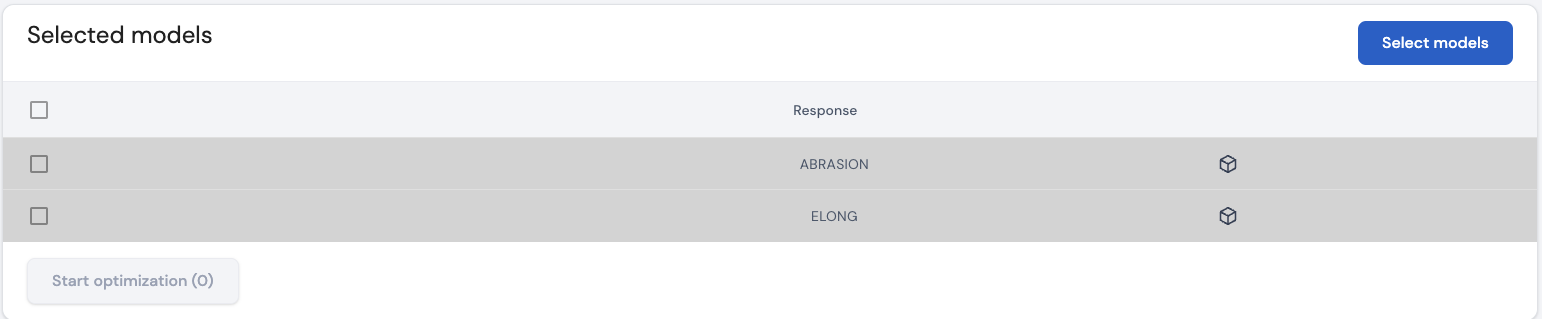
The modeling calculations result in a wide range of models for each response. From the resulting set of models for a given response variable, a model can be selected. To do so, click on

Doing so, will take the user to the Modeling results page.
Page last modified on 2 March 2025