Responses
Use this interface to specify for each response variable, the type of interval that is of interest and the ranges of values for which the response is to be optimized.
To optimize for a specific response variable, a model must first be selected. To select a model, follow the instructions here.
For the response variable that is of interest, when a model has been selected, in the Dataset modeling info page, the row corresponding to this response variable will become activated in the last table titled Select models. When this happens, the user will be able to select this response by ticking the check box corresponding to this response. Here is an example.
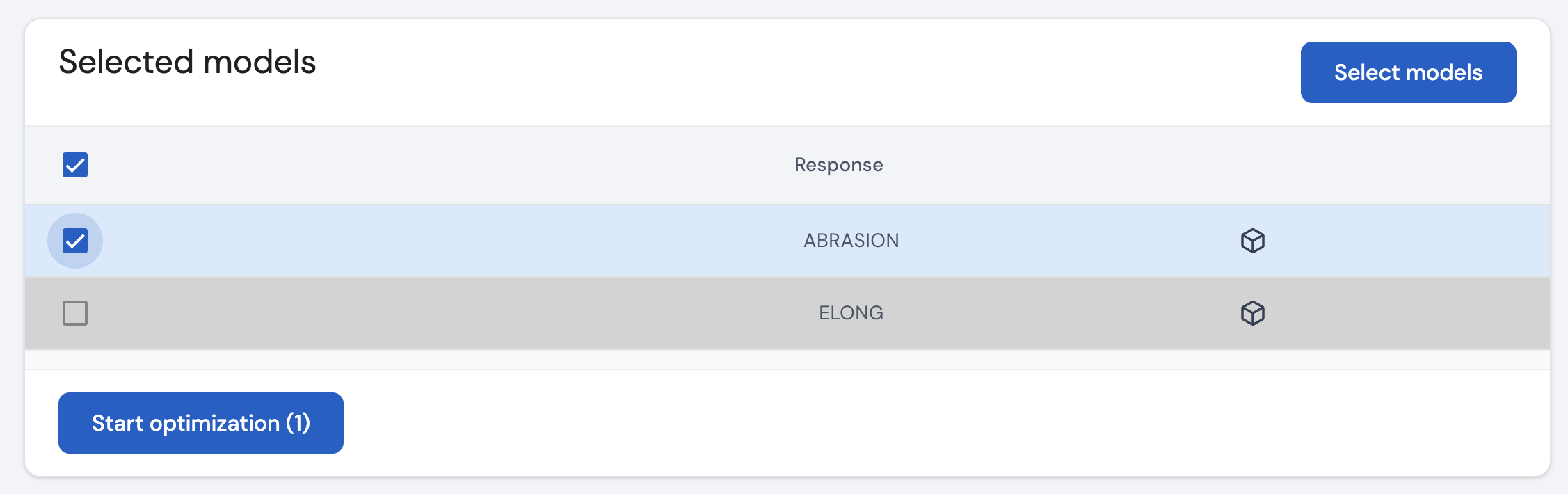
In this table, the row corresponding to the response variable ABRASION has been activated since a model has been selected for this response variable. The image also shows that on ticking the corresponding check box, the Start optimization button has been activated.
The software allows the user to optimize multiple responses simultaneously. In the Start optimization button, the number of responses selected for optimization is displayed. In the example above, since there is only one response selected, in the button you see this mentioned as ‘(1)’. In the same example, if we selected two responses, this is what it would look like.
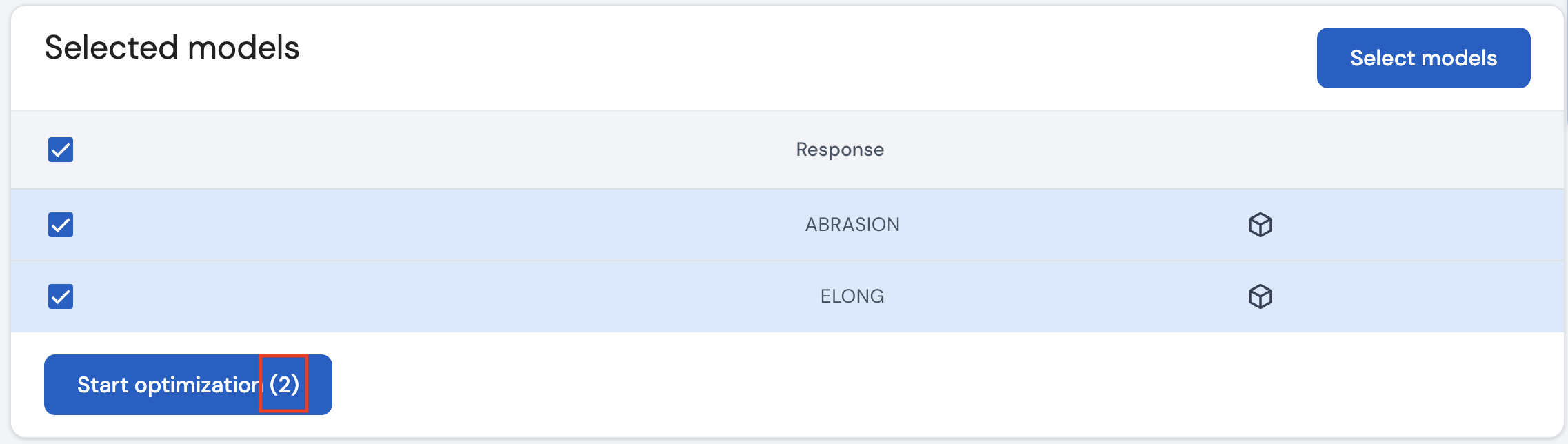
On clicking the Start optimization button, the prediction values are calculated for various combinations of the input factors. A new screen will pop up to allow the user to find the optimal settings for each input factor.
Note: If the user wishes to change the selected model for a specific response, this can be done by clicking on the Select models button.
Use this interface to specify for each response variable, the type of interval that is of interest and the ranges of values for which the response is to be optimized.
Use this interface to find the optimal settings for all input factors to achieve simulatenous optimization for one or more response variables.
Use this interface to optimize the response using the prediction profilers.
Page last modified on 2 March 2025